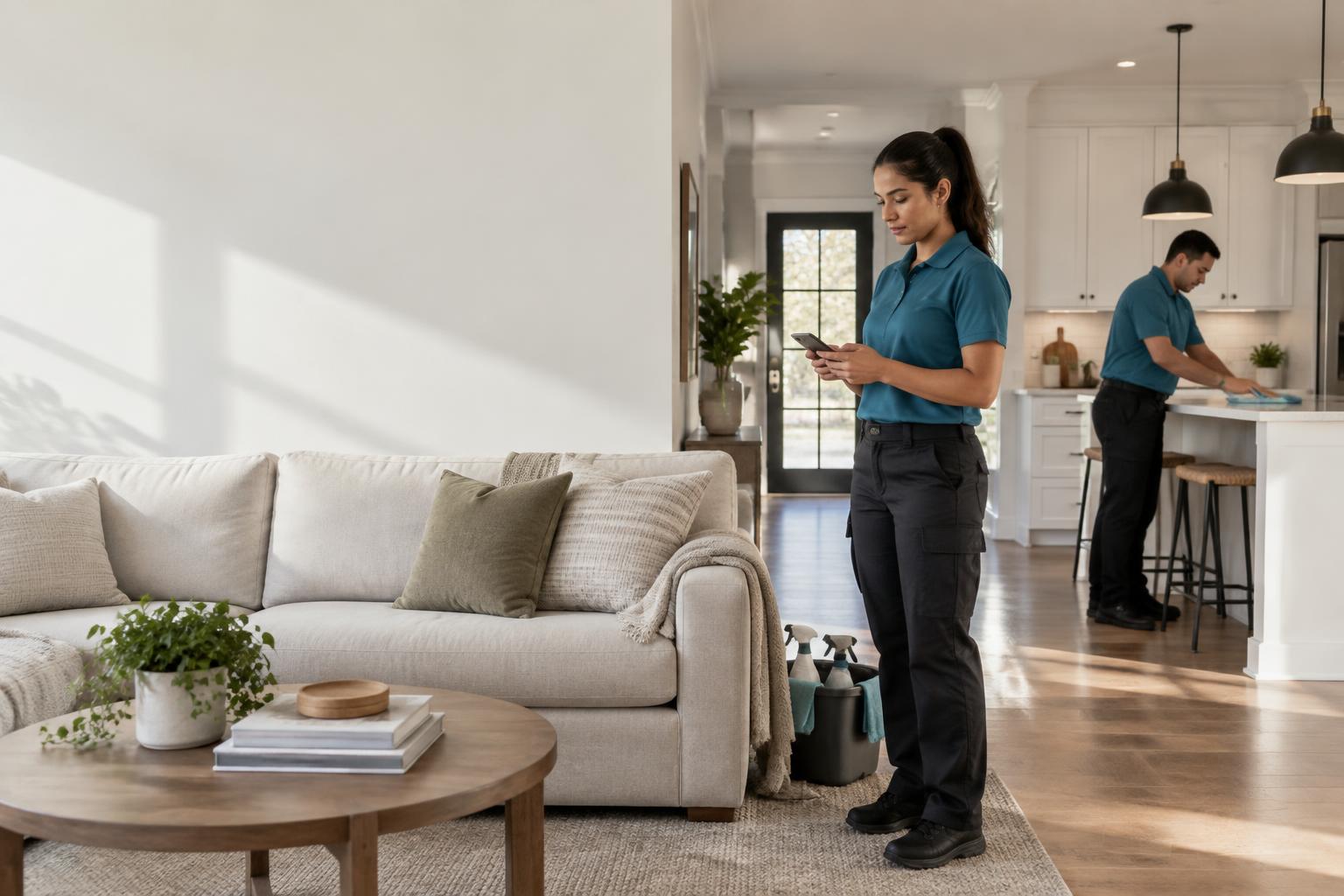
Cleaning team reviewing job details in a residential kitchen

PRODUCT JOURNAL / RECENT RELEASES

CleanWise Changelog

The latest improvements for the people running the office, doing the work and growing the team.

Ten recent releasesTry the live demo

RELEASE NOTES

Built around real cleaning operations.

FIELD QUALITY

RELEASE / 01

Guided Room-by-Room Checklists

No more silently missed tasks.

Technicians move through each room in order, and every task ends up either done or skipped with a reason the office can see.

  • Room stepper with progress and required after-photo counts.
  • Skip with a preset or custom reason; add notes like treated buildup twice.
  • Finishing a job requires every task completed or explained.
  • Owners review completion times, skip reasons and notes on each job.

Where to find it. Cleaners: Field App → Checklist while clocked in. Owners: Jobs → job → Cleaner checklist.

Checklist entries are the technician's own record and are not independently verified.

Explore field quality

COMPLIANCE

RELEASE / 02

Company Insurance Vault

Send proof of coverage in seconds — and never miss a renewal.

Owners can keep their own business policies in one private place and send a client or property manager a certificate link without digging through email.

  • Track general liability, janitorial bonds, workers' compensation and commercial auto policies.
  • Get in-app renewal alerts 60, 30 and 7 days before expiration, checked hourly.
  • Share an expiring link that opens only the certificate — revoke it anytime.

Where to find it. Owners: Settings → Company Insurance.

A saved certificate is not verification of coverage. Share links expire after 7 days; alerts are in-app only.

Explore the Owner hub

FIELD QUALITY

RELEASE / 03

Structured Damage & Pre-Existing Condition Logs

Separate what your team broke from what was already broken.

Field reports now guide technicians through the details owners and insurers ask for, so a claim or client conversation starts with facts instead of guesswork.

  • Mark damage as new or pre-existing, with room, item and material.
  • Record whether the client was home and informed — the office handles the conversation.
  • Flag injuries on incident reports with a call-911-first reminder.
  • Route new damage, injuries and high-severity reports to urgent owner alerts.

Where to find it. Cleaners: Field App → Damage Log or Incident while clocked in. Owners: Quality → Field reports.

Reports are the technician's account and photos; they are not an insurance claim or liability determination.

Explore field quality

FIELD QUALITY

RELEASE / 04

Room-by-Room After Photos

A clearer record of the work, room by room.

Connect checklist tasks to areas and set reasonable after-photo minimums for each cleaning service.

  • Customize rooms, checklist assignments and minimum photo counts.
  • Label photos with office-timezone date/time, job address and device-reported GPS when available.
  • Save photos on the device offline and retry when connected before clock-out.
  • Review private photos and recorded missing-photo exceptions from the office job record.

Where to find it. Owners: Settings → Services; review in Jobs → job. Cleaners: Checklist while clocked in.

Device location/time are not independently verified. Library photos display time added, not original capture. Photos are not shared with clients automatically.

Explore field quality

COMPLIANCE

RELEASE / 05

Certificate of Insurance Tracking

Know whose coverage is current — before it lapses.

Owners can keep each technician's certificate of insurance with their Staff profile, and new cleaners can provide it during onboarding without slowing their packet down.

  • Record the policy number and expiration date, with an optional PDF, JPG or PNG certificate.
  • Let technicians upload and renew their own certificate from the Field App.
  • Store certificates privately with short-lived, owner-only viewing links.
  • Get in-app alerts 30 days and 7 days before expiration and after a policy expires — checked hourly, even with the portal closed.

Where to find it. Owners: Staff → profile → Certificate of insurance. New cleaners: their onboarding invitation. Cleaners: Field App → My Profile → Insurance (COI).

A saved certificate is not verification of coverage or worker-classification compliance. Expiration alerts are in-app only.

Explore the Owner hub

FIELD OPERATIONS

RELEASE / 06

Digital ID Badges

A more professional introduction at the front door.

Technicians can open an in-app badge with their first name, company branding, saved profile photo and current active company account status.

  • Use the technician's saved portrait — no fabricated photo or credential.
  • Recheck active account status when opening or refreshing the badge.
  • Owners can inspect a clearly labeled, read-only badge in Owner Field Preview.

Where to find it. Technicians: My Profile → Digital ID Badge. Owners: Dispatch → Preview Field App → technician profile.

A badge is not government identification or proof of a background check. An internet connection is required to open or refresh it.

See connected field operations

TEAM STANDARDS

RELEASE / 07

Apparel Sizing & Guidelines

A consistent team appearance starts with clear expectations.

Keep employee uniform guidelines separate from contractor apparel and identification standards, and make approved purchase examples easy for technicians to find.

  • Collect optional XS–4XL apparel sizes during cleaner onboarding.
  • Edit sizes and filter your Staff roster for ordering.
  • Share hire-type-specific guidelines and shopping links in the Field App.

Where to find it. Owners: Settings → Apparel & Dress Code. Technicians: My Profile → Apparel & Dress Code.

Apparel policies do not replace professional worker-classification advice. Ordering is not included.

Explore the Field App

TEAM MANAGEMENT

RELEASE / 08

Safe Staff Deactivation

Close out access without erasing the work that came before.

Owners can review unfinished assignments, revoke a cleaner's workspace access and retain historical jobs, attendance, payroll and signed onboarding records.

  • Resolve in-progress work and optionally move upcoming unfinished jobs to Unassigned.
  • Choose an optional, editable offboarding email or Quo text to saved staff contacts.
  • Find retained records under Former staff; Growth and Enterprise owners can open a staff-specific final-pay review.

Where to find it. Owners: Staff → Deactivate. Use Active, Former or All to review the roster.

Deactivation never transfers wages automatically or deletes a person's login or access to another company. VA and manager access is managed separately.

Explore the Owner hub

LEAD GENERATION

RELEASE / 09

Lead Radar

Turn forwarded Facebook group emails into actionable leads.

Lead Radar processes forwarded Facebook post notifications around the clock, so your office can spot cleaning requests without leaving a computer running.

  • Match cleaning-request keywords, filter negative keywords and deduplicate posts.
  • Receive configured in-app, email and Quo text alerts.
  • Draft and copy an AI reply, open the original post and track New, Contacted, Won or Dismissed leads.

Where to find it. Owners: Lead Radar → Setup. Permitted VAs can review and work leads in Lead Radar.

Capture depends on Facebook sending notification emails and your mailbox forwarding them. CleanWise does not scrape groups or automatically post replies. Text alerts require a connected Quo account.

Explore connected business systems

ONBOARDING

RELEASE / 10

Native W-8BEN Collection

A better onboarding path for overseas independent contractors.

Eligible overseas contractors receive W-8BEN collection within their onboarding packet rather than being asked to complete a US contractor W-9.

  • Collect the applicable tax details and certifications inside the onboarding flow.
  • Keep overseas VA onboarding on its separate remote-work track.
  • Keep sensitive tax details and signed onboarding records restricted to the owner.

Where to find it. Owners: Staff → onboarding records. New hires: their private onboarding invitation.

CleanWise collects onboarding information; it does not file tax forms or provide tax advice. Confirm eligibility and requirements with your tax professional.

Explore team onboarding

ALREADY USING CLEANWISE?

Keep up with what's new.

Open What's New in your Owner portal for updates matched to your role and plan, with direct links to get started.